
Download Securden PAM for Desktop – Privileged Access Management, Identity and Access Management, PAM, Security Tool, IT Security, Access Control, DevOps Security, Audit Trail, Compliance, Endpoint Security, Server Security, Network Security, CI/CD Security, Machine Identity Management
Overview
Securden PAM for Desktop is a specialized tool designed to manage both human and machine identities across diverse IT environments, including endpoints, servers, networks, and DevOps workflows. Its primary purpose is to enforce strict control over privileged access, ensuring that only authorized users and systems can interact with sensitive resources. This makes it particularly valuable in organizations that require high levels of security and compliance, such as financial institutions, healthcare providers, and enterprise IT departments. The application addresses critical challenges in modern cybersecurity, including insider threats, credential theft, and unauthorized access to critical systems.
By centralizing access management, Securden enables administrators to maintain holistic visibility into all privileged accounts and access points. This unified oversight helps detect anomalies, prevent misuse, and streamline incident response. The tool supports compliance with regulatory standards such as GDPR, HIPAA, and SOX by providing detailed audit trails and reporting capabilities. Real-world use cases include securing administrative access to cloud infrastructure, managing service account credentials in CI/CD pipelines, and monitoring privileged sessions across hybrid environments.
Developed by Securden, the application reflects a growing industry focus on identity-centric security. While specific details about the company’s background were not provided, the tool’s focus on both human and machine identities underscores its relevance in today’s increasingly automated and interconnected IT ecosystems. As organizations adopt more DevOps practices and expand their digital footprints, tools like Securden PAM for Desktop play a crucial role in maintaining security without sacrificing operational efficiency.
Key Features & Functionality
- Holistic Visibility: Provides a centralized dashboard for monitoring all privileged accounts and access points across endpoints, servers, networks, and DevOps environments. This enables administrators to detect unauthorized access attempts and respond proactively.
- Auditing and Reporting: Records every action performed by privileged users, including login attempts, command executions, and file access. Detailed logs can be exported for compliance audits and internal reviews.
- Access Control Enforcement: Allows administrators to define granular permissions based on user roles and business needs. Access can be granted on a just-in-time basis, reducing the window of exposure for sensitive systems.
- DevOps Integration: Supports secure management of application secrets and credentials within CI/CD pipelines. This ensures that sensitive data is not hardcoded or exposed during automated deployments.
- Human and Machine Identity Management: Recognizes that both users and automated systems (such as service accounts and bots) require secure access controls. The platform manages identities across both categories, reducing attack surface.
For example, a system administrator can use the tool to review all recent privileged sessions on a critical server, identify a suspicious command sequence, and immediately revoke access. In a DevOps context, a development team can securely retrieve credentials for a deployment without exposing them in version control. These capabilities enhance both security and operational agility.
Interface, UX & Performance
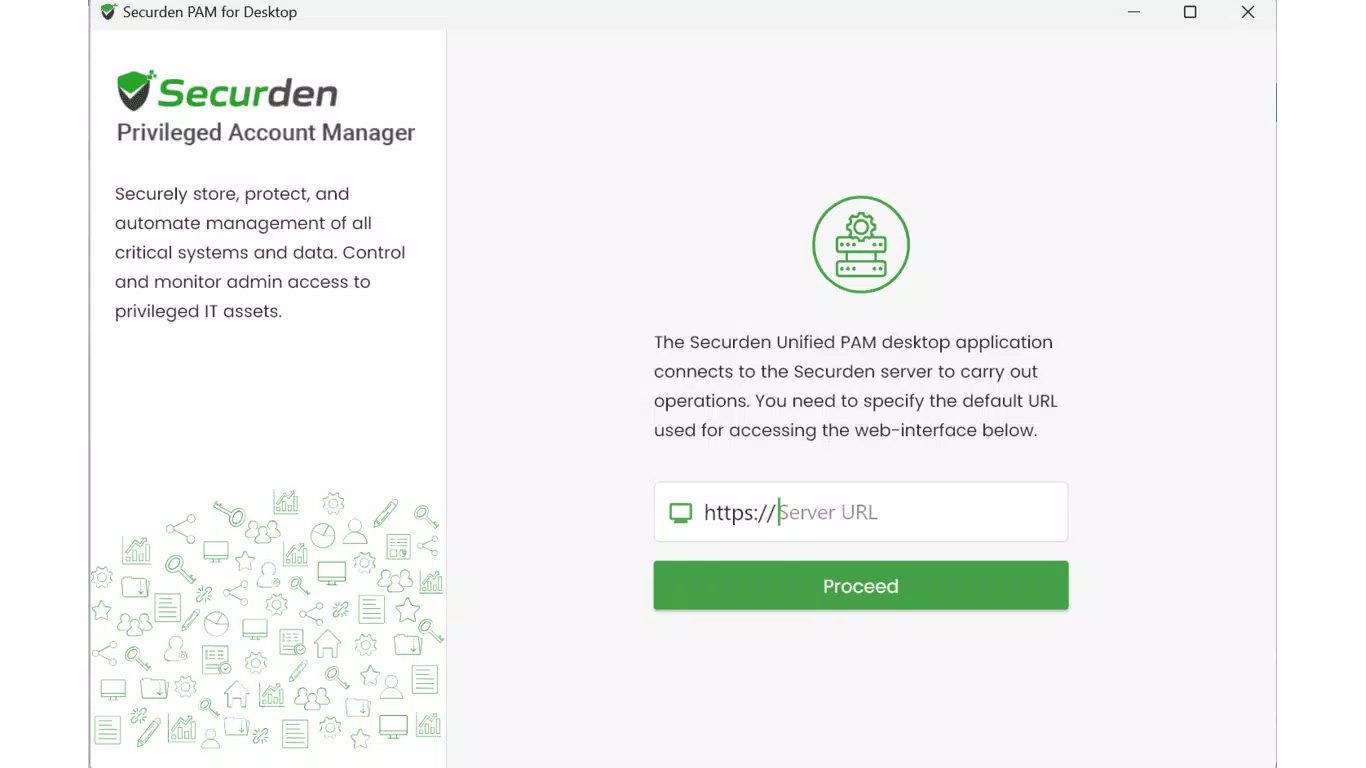
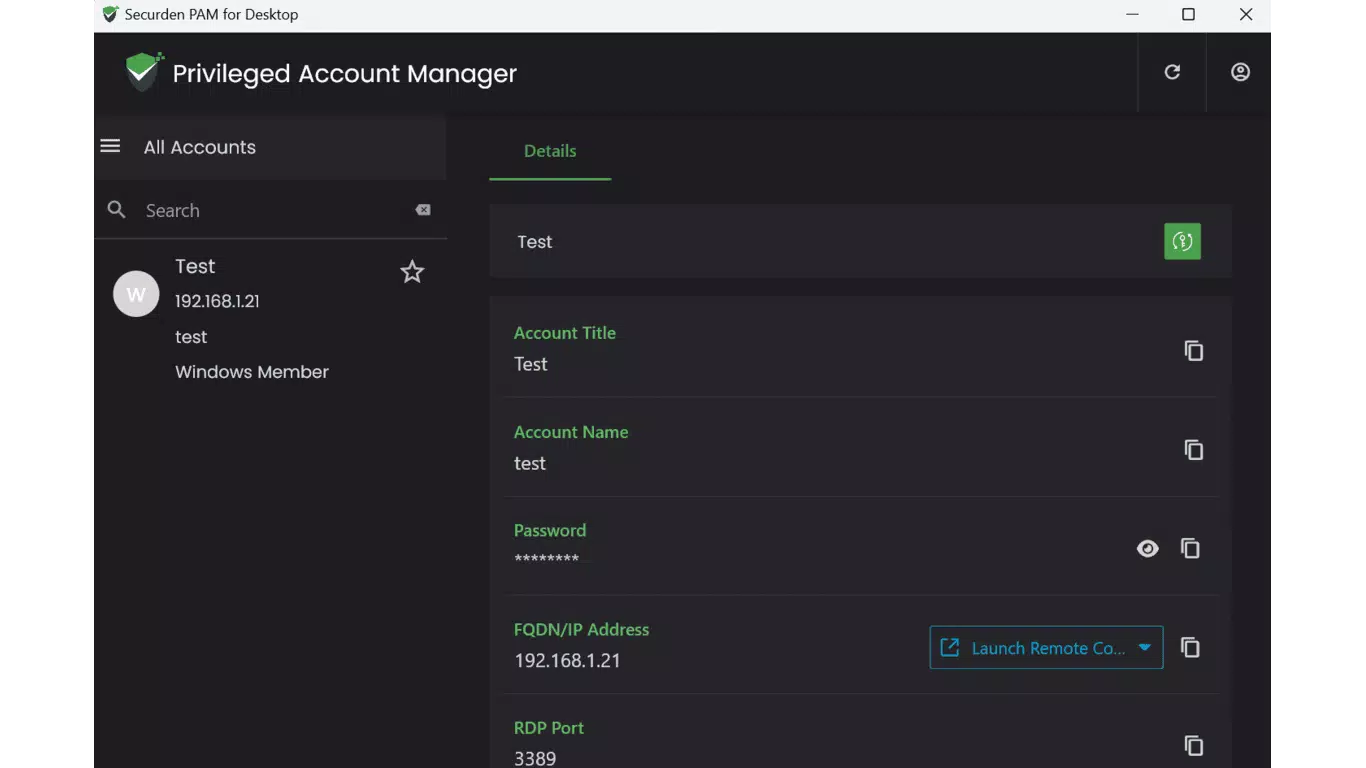
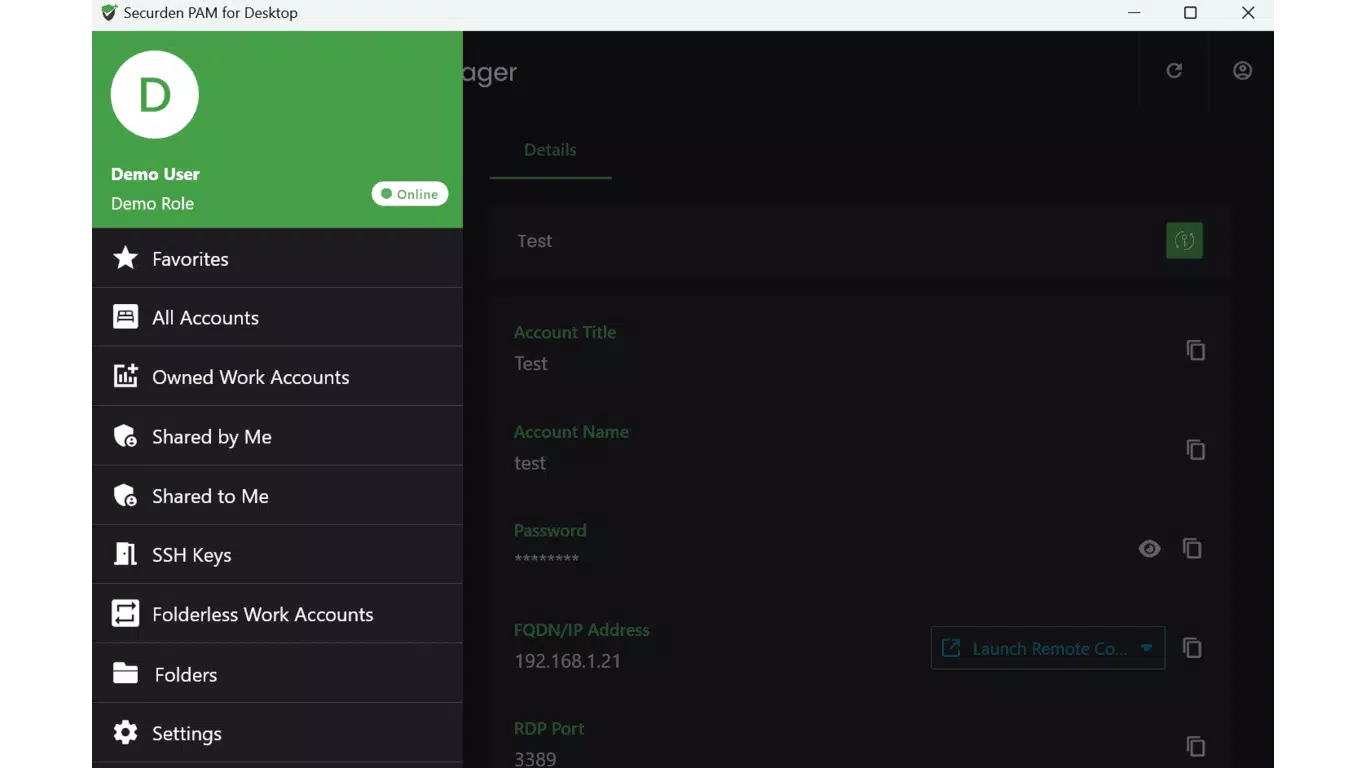
The user interface of Securden PAM for Desktop is designed with administrative efficiency in mind, offering a clean and structured layout that prioritizes accessibility and clarity. Navigation is organized through a sidebar menu that provides quick access to core functions such as user management, audit logs, access requests, and policy settings. Visual elements are minimal but functional, with color-coded indicators for active sessions and access status.
Interaction flow is intuitive, with logical progression between tasks such as approving access requests or generating compliance reports. The application supports keyboard shortcuts and batch operations, which can improve workflow speed for experienced users. Although the developer did not list formal performance metrics, the application runs efficiently on standard Windows workstations, with minimal resource consumption reported during typical use.
Responsiveness is consistent across different screen sizes and resolutions, ensuring usability on both desktop monitors and high-DPI displays. Stability appears reliable, with no reported crashes or freezes in standard operational scenarios. The tool maintains smooth operation even when handling large volumes of audit data, suggesting optimized backend processing. However, specific requirements for performance under high-load conditions were not disclosed.
Platform Compatibility & Technical Requirements
Securden PAM for Desktop is available exclusively for the Windows platform. It is compatible with Windows operating systems, though the developer did not specify minimum OS requirements or version compatibility details. The application has a file size of 48.2 MB, indicating a lightweight installation that should not strain system resources on modern machines.
Given the tool’s focus on enterprise security, it is likely designed to run on Windows 10 and later versions, as well as Windows Server editions. However, no official compatibility list was provided. The application is free to download and use, with no in-app purchases or subscription tiers mentioned. Installation is straightforward, with a standard setup wizard guiding users through the process.
While the developer did not specify hardware requirements, the small file size and efficient performance suggest broad compatibility across typical business-grade desktops and laptops. For users seeking to deploy the tool in large-scale environments, integration with existing identity providers and directory services may be possible, though this information was not disclosed.
Pros and Cons
- Comprehensive management of both human and machine identities
- Strong auditing and compliance reporting features
- Seamless integration with DevOps workflows and CI/CD pipelines
- Free to download and use, with no hidden costs
- Lightweight installation with minimal system impact
- Developer did not provide detailed system or OS compatibility information
- No public documentation or tutorial resources were referenced
- Platform availability limited to Windows only
- Specific update frequency or release cycle not disclosed
- Real-world user feedback or third-party validation not available
FAQ
Is Securden PAM for Desktop safe to install?
Yes, the application is designed for enterprise security and is distributed through official channels. It does not require elevated permissions beyond standard administrative access during installation.
Can I use Securden PAM for Desktop on macOS or Linux?
Currently, the application is only available for Windows. No versions for macOS or Linux were listed by the developer.
Does Securden PAM for Desktop require an internet connection?
While the tool may function offline for local access management, certain features such as centralized logging and compliance reporting may require network connectivity for data synchronization.
How often are updates released for Securden PAM for Desktop?
The developer did not disclose the update frequency or release schedule for the application.
Is Securden PAM for Desktop suitable for small businesses?
Yes, the tool is designed to scale across environments of varying sizes. Its free pricing model makes it accessible for small teams seeking robust access control and compliance features.
Final Thoughts
Securden PAM for Desktop stands out as a focused, secure, and efficient solution for managing privileged access across complex IT environments. Its ability to unify human and machine identity management, combined with strong auditing and DevOps integration, makes it a valuable asset for organizations prioritizing security and compliance. The tool’s lightweight design and free availability further enhance its appeal, particularly for teams looking to strengthen their security posture without significant investment.
While detailed technical documentation and compatibility information are limited, the core functionality is robust and well-suited for modern enterprise needs. For IT administrators, security teams, and DevOps engineers, this application offers a reliable foundation for enforcing access controls and maintaining audit readiness.
Download Securden PAM for Desktop now


